Cloud-only phone companies are built to sell desk phones and apps. Ask them about the buzzer on the back door, the overhead paging speakers in the shop, or the fax machine that receives lab results, and the answer is usually "we don't support that." Many businesses stay on expensive, failing copper lines for exactly this reason.
We support hybrid setups: modern VoIP for everyday calling, with the right adapters and settings to keep your analog equipment working.
Equipment we connect
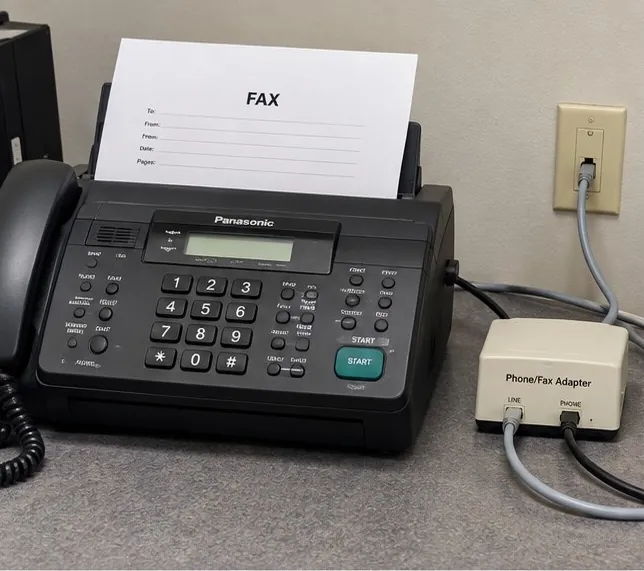
Fax machines
Fax over the internet is less forgiving than voice. We use adapters and settings designed for fax, test sending and receiving with the places you fax most, and offer fax-to-email where it makes sense. Medical and law offices that depend on fax can keep their existing numbers.
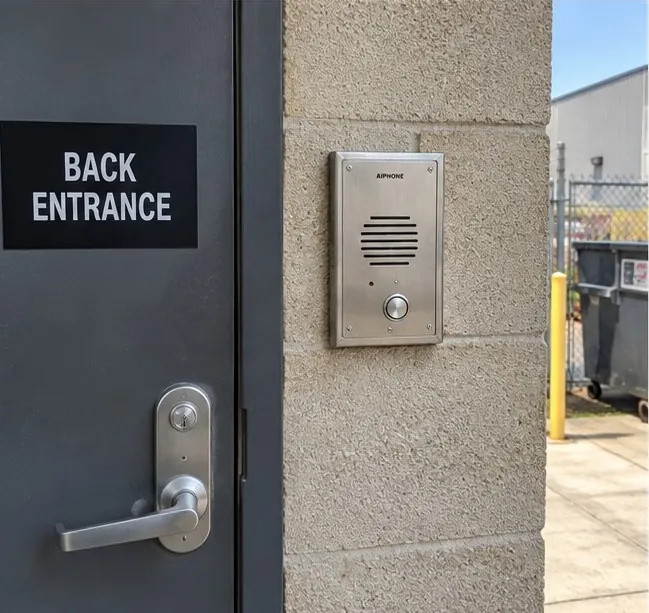
Door buzzers and intercoms
Analog door phones and entry buzzers can be connected through an analog adapter so a call from the door rings a desk phone or a group, and staff can unlock the door from their phone where the hardware supports it. We can also replace a failing unit with a network door intercom.
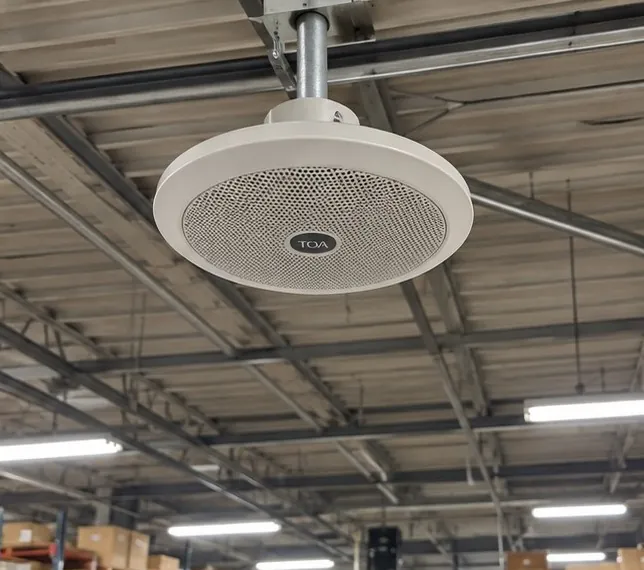
Overhead paging
Existing paging amplifiers and speakers can usually be kept. We connect them to the new system so staff page from any phone, and we can tie in call park so a page tells someone which line to pick up.
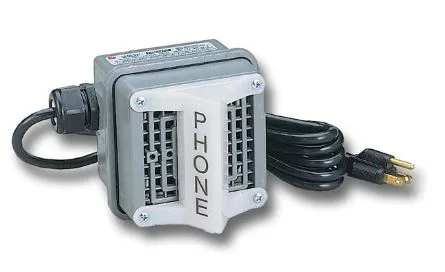
Loud ringers and strobes
Auto repair shops, warehouses, and manufacturing floors need to hear the phone over the noise. We connect bells and visual ringers so the shop knows a call is coming in.
Alarm panels and elevator phones
Some security systems and elevator emergency phones don't behave well over VoIP. We identify them during the site walkthrough, coordinate with your alarm or elevator company, and recommend a reliable option, such as a cellular communicator, rather than guessing.
Industries where this comes up most
- Medical and dental offices: fax for referrals, records, and pharmacies.
- Law firms: fax for courts and opposing counsel, and door entry for after-hours clients.
- Auto repair shops: loud ringers and paging in the bays.
- Warehouses and industrial sites: paging across large spaces and dock door intercoms.
If you're moving off copper lines from the phone company, these are usually the lines that need the most planning. Our copper line replacement process covers them line by line.
Common questions
Can we keep our existing fax number?
In most cases, yes. We port the number to the new service and connect your fax machine through an adapter set up for fax.
Will our overhead paging speakers work with VoIP?
Usually. Most paging amplifiers accept a standard input that we can connect to the new system. We'll confirm during the walkthrough.
Our alarm company says we need a phone line. What do we do?
We'll talk to your alarm company together. Many panels can switch to a cellular communicator, which is often more reliable than an old copper line.
Do you only support analog equipment, or can you replace it too?
Both. If your door phone or paging system is failing, we can quote a replacement that connects directly to the network.